
Features
Everything in it is about their day
Parler is the good screen for ages 3 to 10. Their day goes in, a book comes out, and there is no feed to fall into. Every plan has every feature; the only thing that counts toward your plan is a new picture.

Their day
It's their day, and they make it
My day checklists, what they did today, drawings and cards. The child makes all of it. Nothing comes from strangers.
- iPhone & iPad
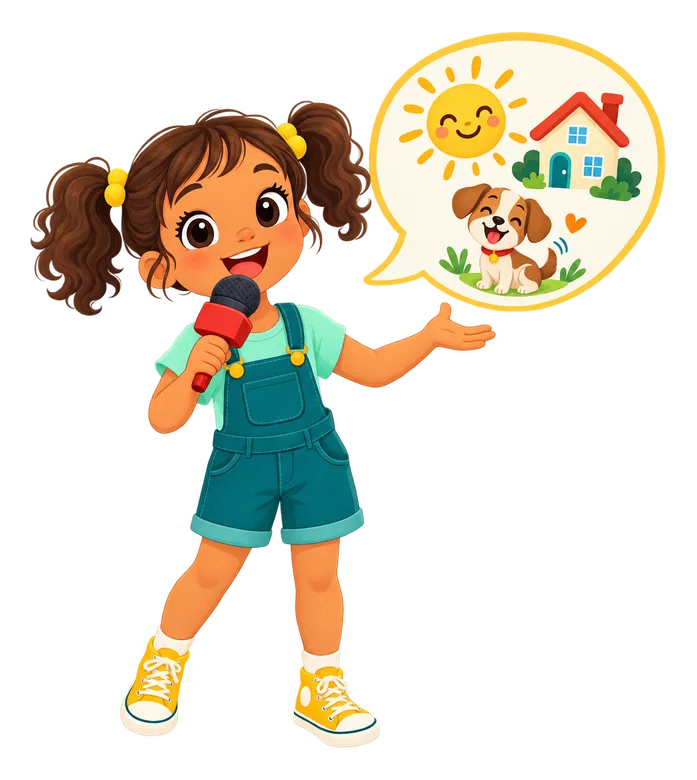
Tell a story by talking
Hold the mic and say what happened. A story coach writes it down and asks the next question.
Learn more Illustrated bilingual books
Each sentence in the family's language, their own words underneath, and a picture of the people they picked.
Learn moreRead along
A natural voice reads each page while every word lights up. Tap any word to hear just that word.
Learn moreMy turn and scores
Record the sentence, get a score word by word, and see which word to try again. Up to five takes each.
Learn moreScan a real book page
Photograph a page from a book you own and hear it read aloud, with each word lit up on the photo.
Learn moreDraw and colour
Brushes, fill and an eraser, plus colouring pages made from an idea or a photo. A drawing can become a page.
Cards
Pick a template, add words, a picture or stickers inside, record a voice message, and send it to someone they love.
Learn moreMy day
Their routines and day plans as a picture checklist they say out loud and finish alone.
Shelves
Their own books, books from school and books from family, each on its own shelf.
Sign in with a code
Kids type a short code a grown-up gives them. No email, no password.
Learn more

Their people
It's your people, drawn with your OK
Mamie, Papi and friends as cartoons a parent approved, books in the family's languages, and an easy way for family far away to read along.
An approved cast
Grandparents, siblings, pets and friends, each drawn as a cartoon only once you approve their look.
Learn moreEmail a book
It opens in any browser with the pictures, the read-aloud and the translation. No app, no account.
Learn moreCards that open
The card opens like a real one, with your child's voice message inside, and you see when it was opened.
Reactions
Family can read the book, hear it and send a heart back.
Family viewers
Grandparents get a simple inbox of only what you hand-share with them.
Learn moreCo-parents
A partner runs the account with you, with their own sign-in.
Learn more
It ends
Feeds don't end. Books do.
Every book has a last page. No feed, no ads, nothing to scroll.
A last page
Reading stops when the book does. Your child can read it again, tell a new one, or stop.
No feed
Nothing to scroll and no algorithm. Your child's shelves hold what they made and what family and school sent.
No strangers' videos
Nothing autoplays into a stranger's video, because there are none here.
No ads
None, for anyone. Parler is paid for by the families and schools who use it.
For grown-ups
You set it up, you stay in charge
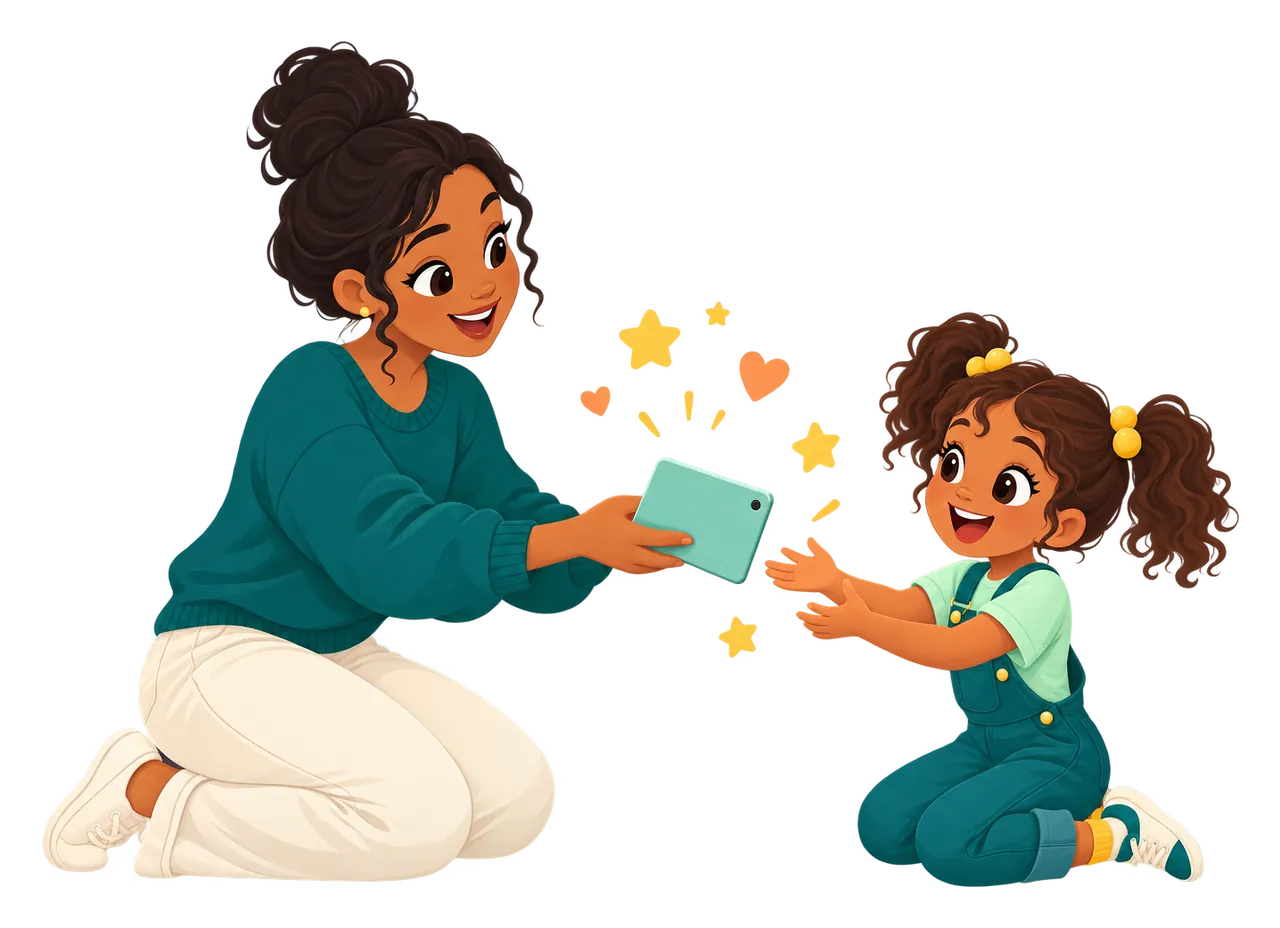
Parents decide who appears, what gets spent and what each child can do.
Add each child
Their languages, their cartoon look and their own library. How many learners depends on your plan.
Learn moreNeeds you
New friends, picture requests, kid sends and finished books wait in one queue.
Learn moreAsk before spending
A daily picture allowance per child; past it, requests wait for you.
Learn morePer-child controls
Choose whether a child can scan pages, write stories, make pictures, pick styles or delete things.
Learn moreProgress
What each child read this week, and how their reading scores are going.
Routines and day plans
Morning routines, a Saturday plan or a packing list, with a picture for every step.
Write a book for them
Write a story yourself, and the book says “Written by Marie for Léa”.
Styles, redraws and reports
Six picture styles. Redraw a page for one picture, or report a picture and our team takes a look.
Learn morePrint books and cards
Print a story as a picture book or a card to fold and post.
The price up front
Only new pictures count, and the number is on the button before you tap. Failed pictures come back.
Learn more
Schools
One prompt, a whole class of books
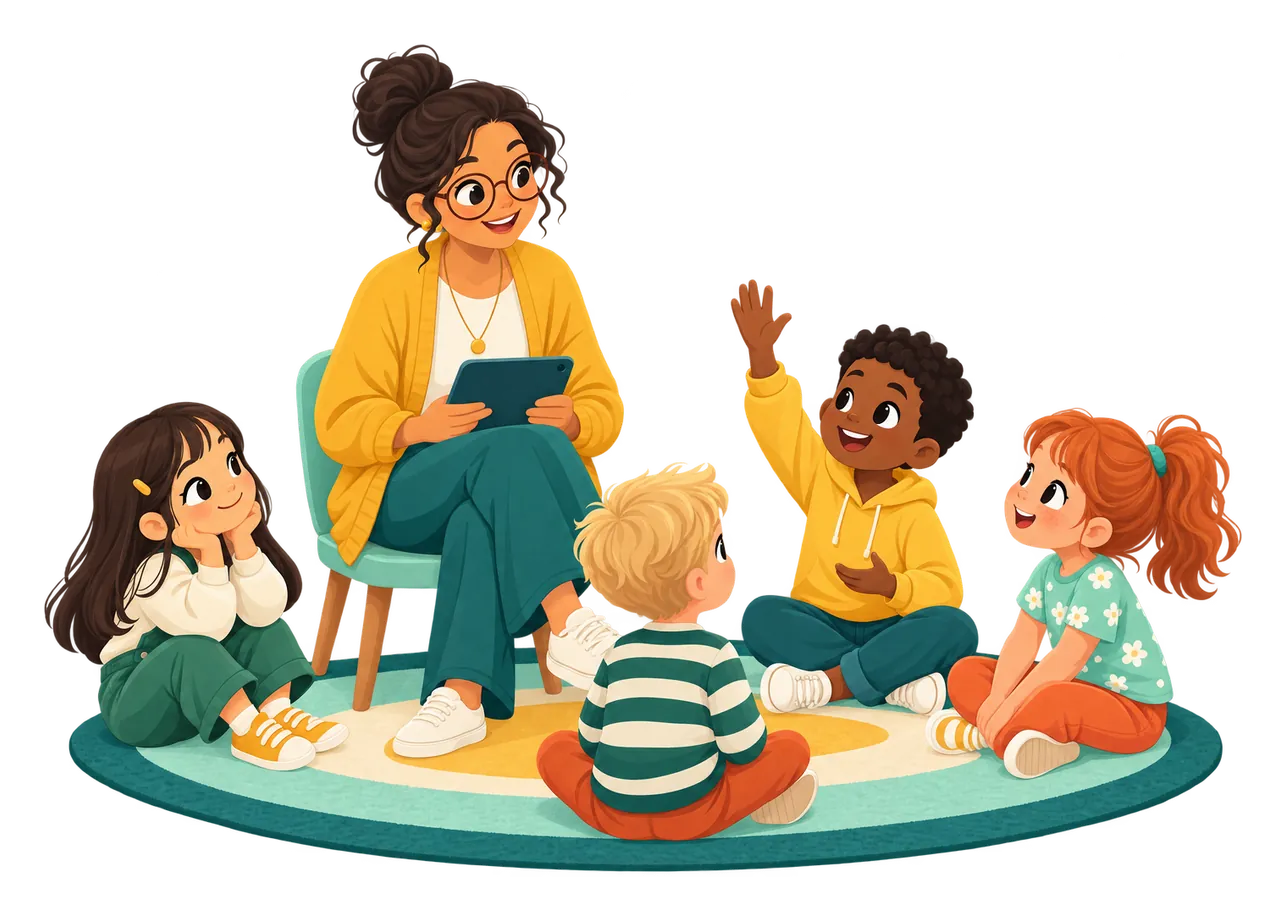
Teachers set the prompt, each child tells their own, and the book goes home.
Parler for schoolsStory prompts
A prompt, a language and a due date. See who has told it and who has read it aloud.
Learn more- iPhone & iPad
Class iPads
Kids tap their character, then their picture password. No typing, no emails.
Learn more Class library
Every book the class made, ready to read aloud on the board.
Reading scores
Who read what, and which words need another try.
Books go home
Share a book with the family, or let parents follow the class.
Signed DPA
Yearly plans by card or invoice, with a data processing agreement on request.
Learn more
Languages
Your family’s languages, any to any
Language is often why families start. Each child tells stories in the language that comes easiest and reads them in one or more others, with one main one. Every pair works: tell it in English, read it in French, with Spanish one tap away. Translation is always free.
197
languages to tell in and learn
63
with a natural read-aloud voice
87
with reading scores
The full list is in the iPhone and iPad app; the web offers the most-used languages for now. Right-to-left languages like Arabic and Hebrew read the right way round.
Language pages and guidesChanging a story’s language- BonjourFrançais
- HolaEspañol
- HelloEnglish
- HalloDeutsch
- CiaoItaliano
- OláPortuguês
- 你好中文
- こんにちは日本語
- مرحباالعربية
- JamboKiswahili
- नमस्तेहिन्दी
Privacy & safety
Made for kids, not for data
We keep only what the app needs to work: names, languages, and the stories, recordings and pictures your family makes.
- No ads, no feedNo advertising, no algorithm, no strangers. Nothing to scroll.
- Cartoons onlyPhotos never appear in stories. Only a grown-up can upload one, and only to draw a look.
- Grown-up gatePhotos and grown-up settings sit behind a gate kids can't open.
- Safety checksEvery sentence and picture is checked before it is shown.Learn more
- Report a pictureAnyone in the family can flag a picture for our team to review.
- Your data stays yoursNever used for ads or to train AI models. Export it or delete it anytime.Learn more
Where it works
At home, on the go, in class
- iPhone and iPadThe full app, including telling a story by talking. Coming soon to the App Store.
- On the webAny modern browser at parler123.app. Same account, same books, same plan.
- Class iPadsShared iPads for a class: kids tap their character and their picture password.
Android is coming soon. Books emailed to family open in any browser, no app needed.
Start with today.
14 days free, no card. After that, pay for pictures. Reading stays free.
First Page free · Storybook $9.99 a month · Bookshelf $19.99 a month · See all pricing