
How it works
From today, to a book, to Mamie
Your child talks about their day. Parler draws it with the people they love, reads it aloud in your family’s languages, and sends it to the people who miss them. Here is the whole flow, step by step.
Step by step
Tell it. See it. Read it. Send it.
A story is a list of sentences, each with a picture, a voice, a translation and your child’s own recordings. The first book takes about five minutes, and it has a last page.
- 1
A grown-up
Set up your child
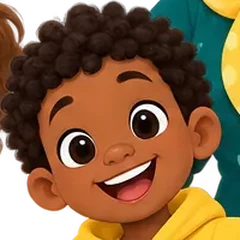
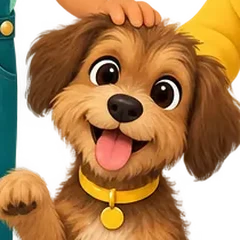
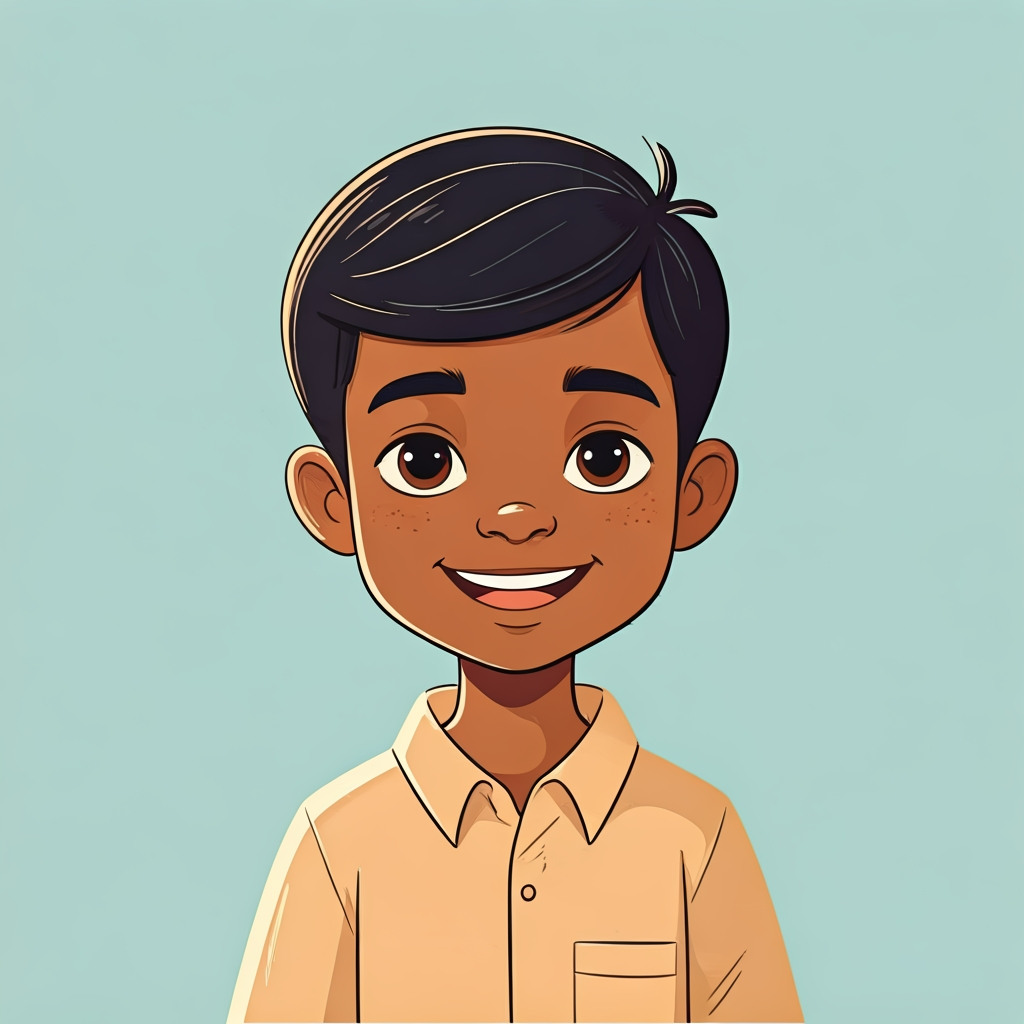
Add your child, pick the language they tell stories in and the ones your family wants to read in, and choose their cartoon look. Then add the people who belong in their stories: grandparents, a brother, the dog, a friend from school.
- Every cartoon look is approved by you before it can be drawn
- Kids sign in with a short code, no email or password
- You decide what each child can do on their own
- 2
Your child
They tell a story about their day
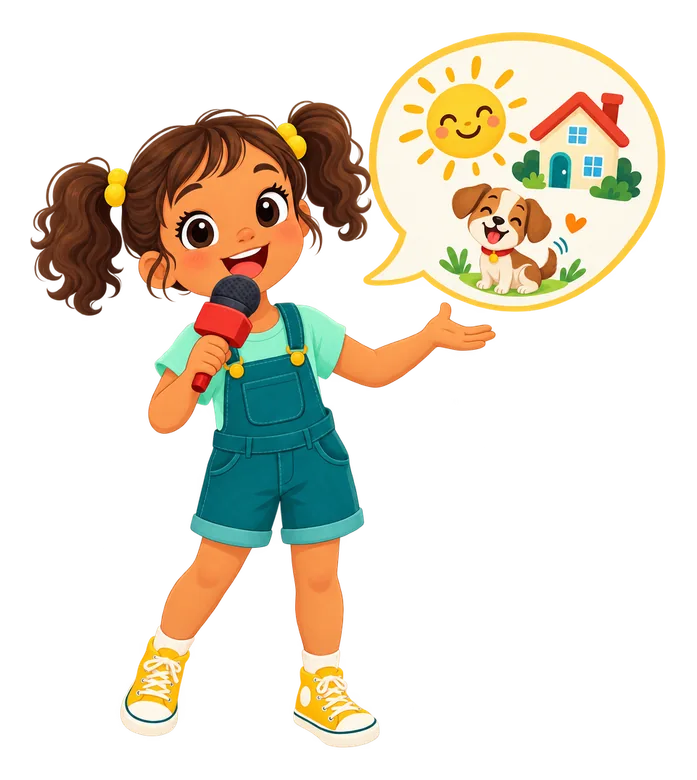
Your child holds the mic and says what happened, in whatever language comes easiest. Parler writes it down sentence by sentence and asks the next question, like a patient grown-up would.
- Home, school, friends, the weekend: it's their real day
- They can type instead, or a grown-up can write it with them
- Telling by voice is in the iPhone and iPad app; on the web a grown-up writes the story
- 3
Parler
It becomes an illustrated book in your languages
Each sentence is written in the language you picked, with their own words underneath. Every page gets a picture of the people they picked from the approved cast, in the style they like.
- Only new pictures count, and the number is on the button before you tap
- Words, translation and voices are free
- If a picture fails to draw, you get it back
- 4
Together
Read along: every word lights up
Press play and a natural voice reads the page while each word lights up as it is spoken. Tap any word to hear just that word. Switch to another of their languages and the whole book follows.
- Word-by-word highlighting in time with the voice
- Tap a word to hear it on its own
- Book mode for a full-screen, picture-book read
- 5
Your child
My turn: record it and get a score
Then it is their turn. They tap My turn, read the sentence out loud, and the recording is scored the moment it uploads. The reader points out the word to try again.
- A score for every take, word by word
- Up to five takes per sentence, the best one is kept
- Scores encourage another try; they are not a grade
- 6
The family
Share it with Mamie and Papi
Send a book to a grandparent by email and it opens in any browser, no app needed. Or invite family to see what you hand-share with them. They can read it, hear it and send a heart back.
- Cards open like a real card, with your child's voice message inside
- You choose exactly what each person sees
- A kid's send can wait for your OK first
- 7
A grown-up
You stay in charge
Anything that needs you lands in one place: a new friend's look to approve, a picture request past the daily allowance, a card waiting to be sent. Progress shows what each child read and how their reading is going.
- Needs you: approvals in one queue
- Ask before spending, with a daily picture allowance per child
- No ads, no feed, no real photos in stories


Feeds don’t end.
Books do.
A book has a last page. After it, your child can read it again, tell a new one, or stop. No other book or video starts on its own.
- Who made it: Your child
- Who's in it: People you approve
- When it's over: The last page. Nothing plays next
- What's left after: A book Mamie can read
| Video apps | Parler | |
|---|---|---|
| Who made it | Strangers | Your child |
| Who's in it | Anyone | People you approve |
| When it's over | The next one plays | The last page. Nothing plays next |
| Ads | Often | None |
| What's left after | Nothing | A book Mamie can read |
Other ways in
Not every day starts with a story
The same voices and highlighting work across everything your child makes, so more of their day can be something they did themselves.
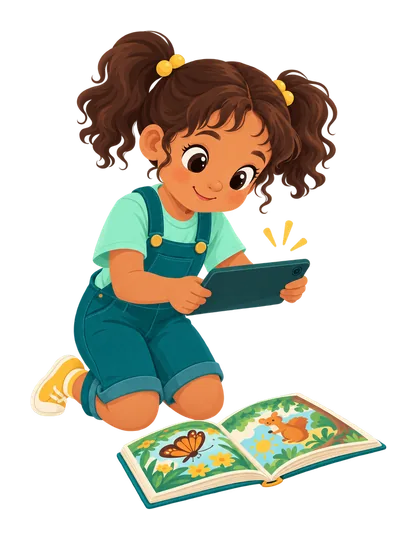
Scan a real book page
Photograph a page from a book you already own. Parler finds the words and reads them aloud, lighting up each word on the photo.
Reading a real book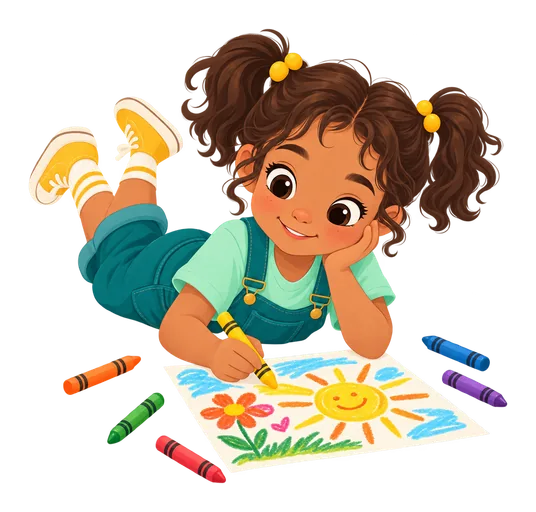
Draw and colour
A drawing canvas with brushes, fill and an eraser, plus colouring pages made from an idea or a photo. A drawing can become the picture on a page.
Drawing features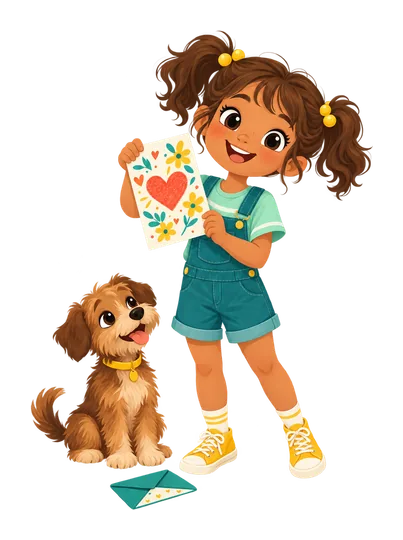
Cards
Make a card from a template, add words, a picture or stickers inside, record a 30-second voice message, and send it. It opens like a real card.
Cards and sharing
My day
Morning routines, a Saturday plan, a packing list. Your child says each step out loud, or taps it, and finishes it alone.
My day
Where it works
At home, on the go, in class
- iPhone and iPadThe full app, including telling a story by talking. Coming soon to the App Store.
- On the webAny modern browser at parler123.app. Same account, same books, same plan.
- Class iPadsShared iPads for a class: kids tap their character and their picture password.
Android is coming soon. Books emailed to family open in any browser, no app needed.
For schools
One prompt, a whole class of books.
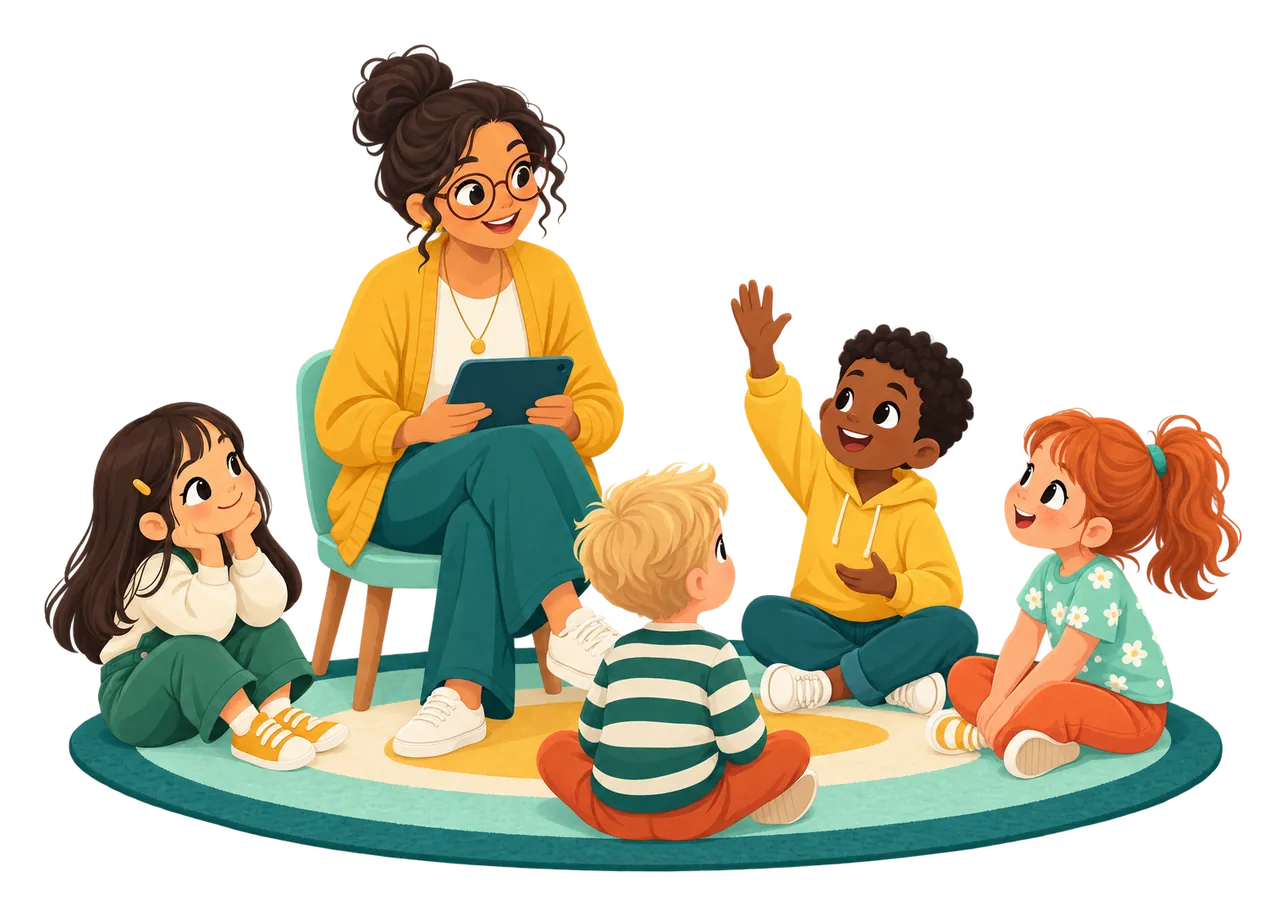
A teacher sets a prompt like “Mon week-end”. Each child tells their own on a shared class iPad, reads it in the language they are learning, and the book goes home to the family.
How long does the first book take?
About five minutes. Add your child, pick their languages, and let them tell you about their day. Each sentence becomes a page you can read together straight away.
Does my child need to read already?
No. Parler reads every page aloud with each word lighting up, so pre-readers can follow along and early readers can take their turn with My turn.
What does it cost?
Only new pictures count toward your plan: a page, a redraw, a cover or a cartoon look (each person's first one is free), always shown on the button before you tap. Words, translations, voices and reading scores are free. You can start free, and plans are on the pricing page.
Can we tell in one language and read in another?
Yes. Each child has a language they tell stories in and one or more they read in. Every pair works.
What happens at the end of a book?
Reading stops at the last page. Your child can read it again, tell a new one, or stop. No other book or video starts on its own.
Who can appear in the pictures?
Only people in your child's cast, and only once a grown-up has approved their cartoon look. Everyone is a cartoon; photos never appear in stories.
Do grandparents need the app?
No. An emailed book or card opens in any browser. Family viewers you invite get a simple inbox of what you hand-share, and can react.
Start with today.
14 days free, no card. After that, pay for pictures. Reading stays free.
First Page free · Storybook $9.99 a month · Bookshelf $19.99 a month · See all pricing